Important Update to Adult Symbols in Grid
Available now on Grid and Grid for iPad
We have made important updates to the way that Grid handles symbols that contain adult content or refer to adult concepts. These changes are designed to protect younger symbol users, while also making sure that everyone has the words they need to communicate about their own bodies and experiences. We’re introducing a clearer set of rules, inspired by age ratings used in films. This means decisions about which symbols are labelled as ‘adult symbols’ will be much more consistent and understandable.
We’re in the process of reviewing the symbols in Grid so you’ll see these improvements take place over the coming months.
About the Show Adult Symbols setting in Grid
Grid already has a setting called Show Adult Symbols.
- You’ll find it in Settings → Symbols.
- By default, it’s switched off to protect AAC users, especially children, from seeing content that might not be appropriate for their age.
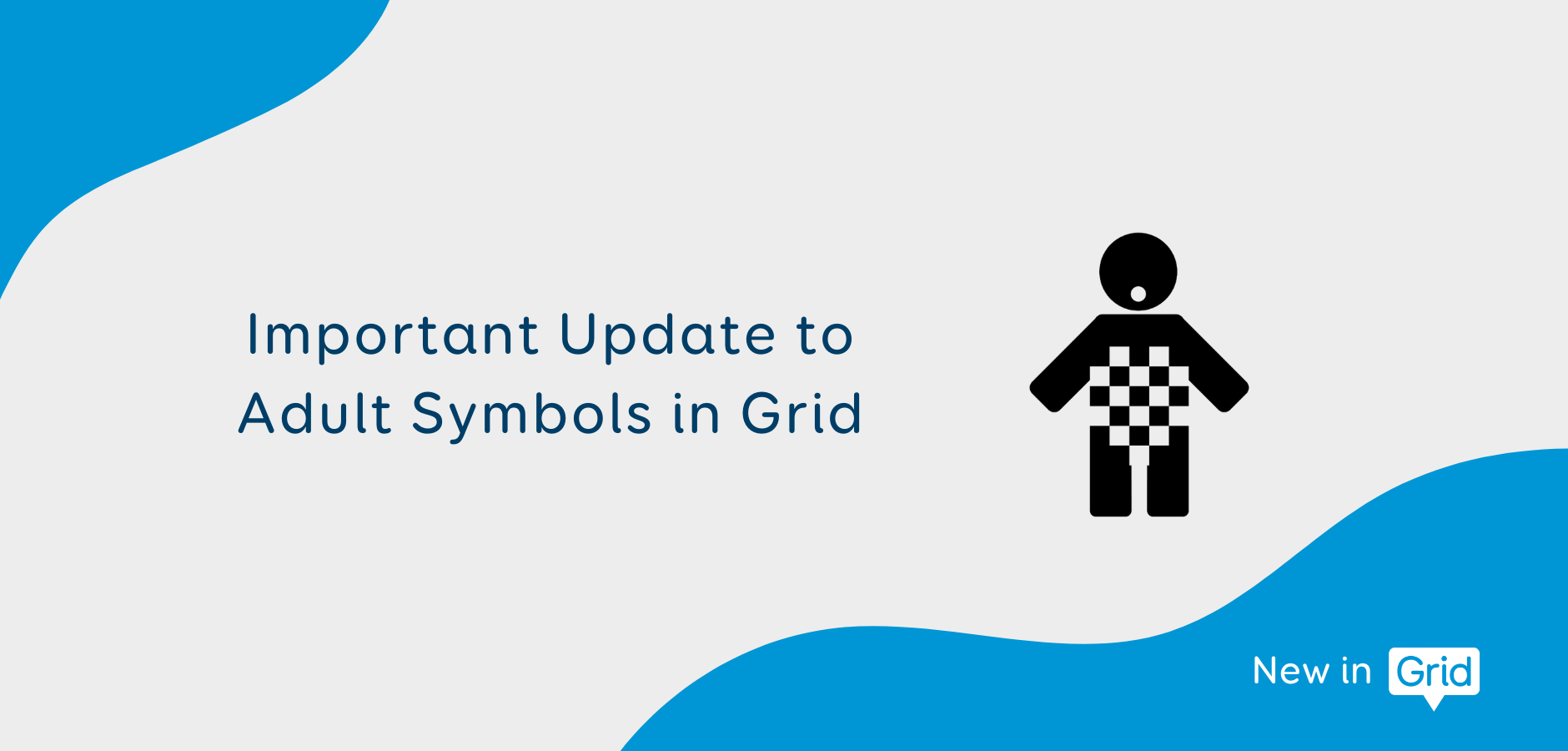
- When it’s off, any symbol marked as an Adult Symbol shows up as a pixelated person icon instead of the actual image.
- If you turn the setting on, the symbols appear normally once you leave the settings menu and exit Edit mode.

Why we're updating
Until now, some symbols have been hidden that really don’t need to be, while others that probably should be hidden have been visible to everyone.
To fix this, we’ve introduced a clearer set of rules, inspired by age ratings used in films. This means decisions about which symbols are labelled as ‘adult symbols’ will now be much more consistent and understandable.
The new criteria
Once these changes take place, symbols will be hidden if they contain sexualised content, references to extreme violence or gore, drug misuse such as illegal drugs or addiction, criminal activity, abusive or harmful content.
We know that for some AAC users, it can be important to have access to vocabulary about these experiences. That’s why the symbols aren’t being removed – they’re still available if you turn on the Show Adult Symbols setting. The symbol names will still be visible at all times, so if you need those symbols, you can find them. However, the symbol images will be hidden by default to avoid causing distress or offence when people are searching for unrelated words.
Important exceptions
At the same time, we recognise how essential it is for people using AAC to be able to talk about their health and their bodies. For many AAC users, especially those without literacy skills, symbols are the only way to communicate about these topics. Without them, people may not be able to share needs, describe experiences, or ask for help.
That’s why some vocabulary will always remain visible, using the least graphic depictions available from our symbol providers. These include:
- Genitalia in a non-sexualised context.
- Symbols relating to sexuality and gender.
- Menstruation, contraception, and childbirth (least graphic depictions).
- Everyday bodily functions, like toileting.
- Mild nudity like breastfeeding or changing clothes.
- Alcohol or tobacco in common use (e.g. a glass of wine, a cigarette).
- The least graphic representations of self-harm, which may be needed in safeguarding or behavioural support.
Looking ahead
These updates will be rolled out over the coming months, starting in the version 99 Grid update in Windows and on iPad.
Our goal is simple: protect AAC users from harmful content, while making sure they can always communicate fully about their bodies, health, and experiences.
By making these labels clearer, more consistent, and more predictable, we hope to give both children and adults who use AAC the vocabulary they need, without putting anyone at risk.