
Using the AI Fix tool in Grid
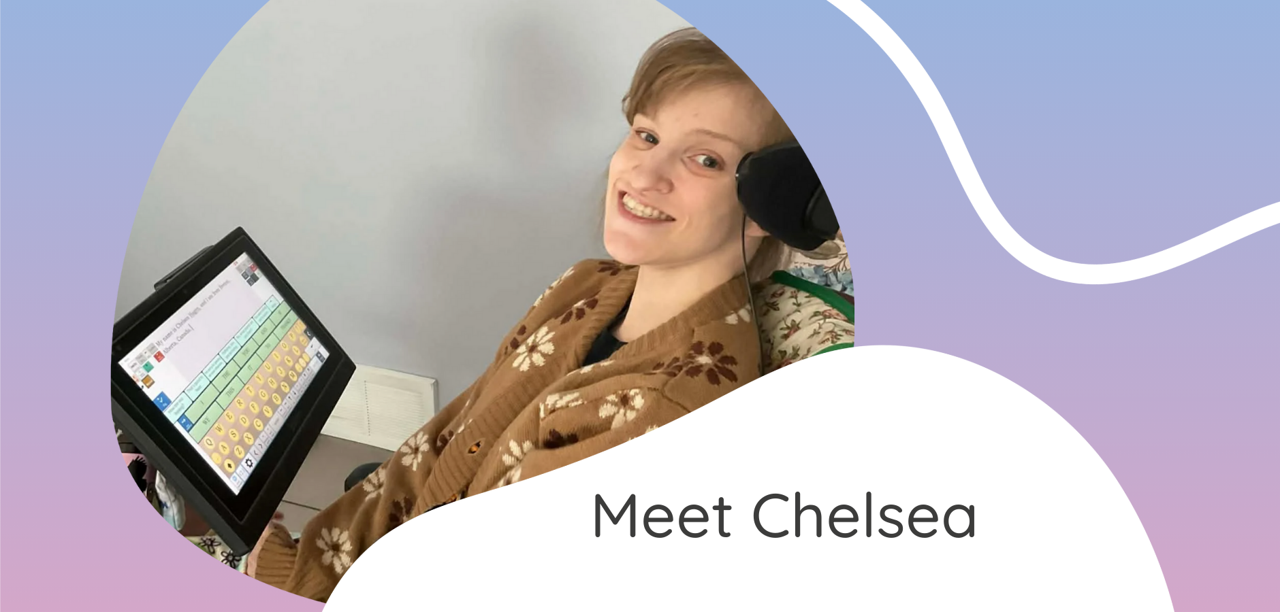
Chelsea is a 29-year-old writer, AAC advocate, mentor, and artist from Canada.
Chelsea has been using Grid software for over two years and more recently, she has been using our AI-powered Fix tool to support her writing, helping with spelling, punctuation, and grammar as she works on creative and academic projects.
About Chelsea, in her own words
Tell us a bit about yourself
My name is Chelsea and I live in Alberta, Canada. I use my Grid Pad for day-to-day communication and writing. I have had my writing published in a poetry book, blogs, and magazines. I wrote and performed in two short films, one of which was shown at the Toronto ISAAC Conference. I am a Canadian board member for ISAAC Canada and a lead member for an ISAAC International chat site.
I am the founder and creator of the international book club, The AAC Four Seasons Book Club. I am currently studying for my Bachelor of Arts in English at Athabasca University, and I am working on getting my children’s illustrated book published. I also have a podcast called ‘The Whiskey and Tea on AAC.’
More recently, I have been doing mind-control painting using Brain Computer Interface (BCI). I have sold my BCI paintings at art walks in Alberta, Canada. I am also exploring BCI with the keyboard on my communication device. I am the first successful BCI user, who is typically a two-switch communicator, to create a sentence on the Text Talker grid set in Grid.
How do you communicate?
I use Text Talker in Grid, controlled with two switches that I activate using my head.
What do you think about Grid software, and how do you use it day to day?
I really like Grid software. I switched from Minspeak and was a bit nervous at first, but it went really well.
I use Text Talker, phone access, Facebook, message storage, Symojis, and other features. I like the word prediction, and I like that I was able to design my keyboard to look like an old antique typewriter. I also like having access to Symojis and being able to connect to internet sites.
When I tested Grid combined with BCI, it worked. I was able to scan my keyboard using thought alone.
Using the Fix tool
Have you found the Fix tool helpful in your conversations?
Yes. I use it to correct spelling.
Are there particular situations where you find it useful?
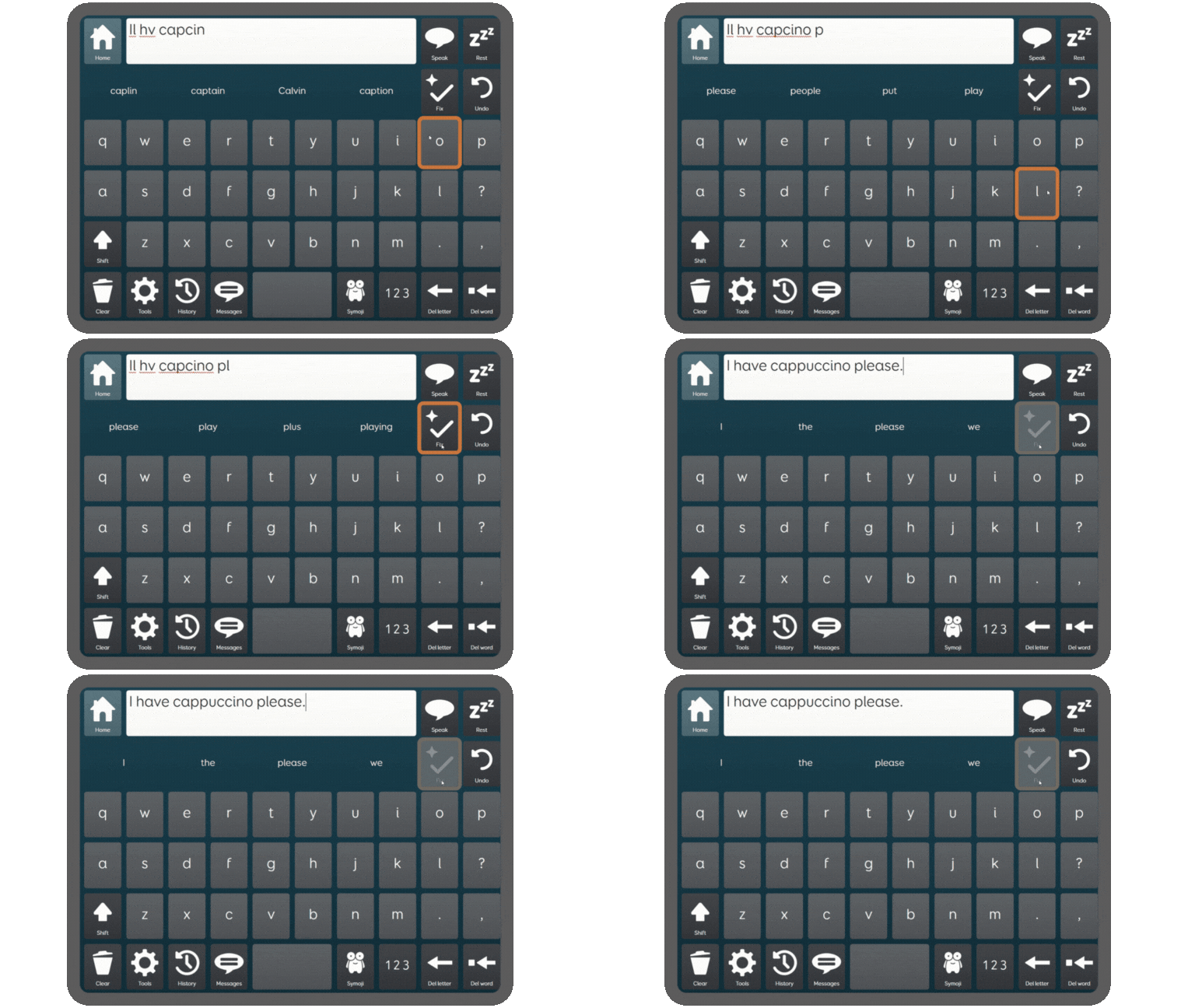
When I struggle with a word, punctuation, or grammar.
Do you feel Fix helps you type or talk more
quickly?
I am a writer, so I tend not to shorten sentences. It helps a little, but more importantly it makes me feel less stressed when my spelling is corrected.
Do you have any tips for other AAC users using Fix for the first time?
It’s a great tool and takes some of the stress away. My advice would be to do a quick re-read of the Fix sentence. It’s good, but it’s not a mind reader, yet!
Explore Fix in Grid
Fix is an AI-powered feature in Grid, designed to correct spelling and grammar errors, expand common abbreviations, and fill in missing letters and spaces.
How to try Fix
Make sure you are online and have the latest software update
- Opt in to the use of Online AI Tools by going to Settings – Data Control
- Add a new copy of Text Talker or Fast Talker to start using the Fix tool straight away
- Or, add the Fix Command to an existing grid set in edit mode