
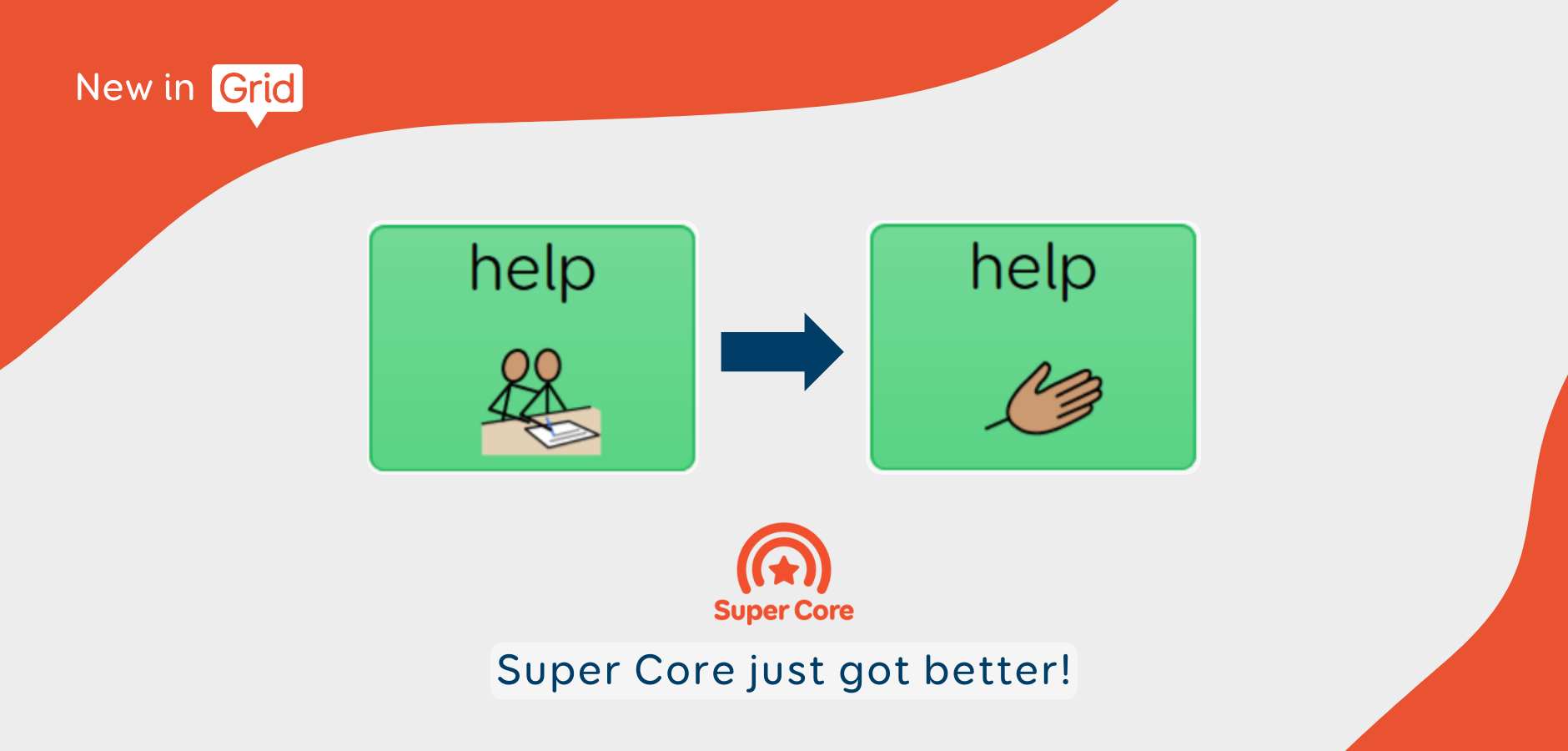
Super Core just got even better!
Now available on Grid and Grid for iPad
Super Core just got better! We’ve made a number of improvements to all of our Super Core grid sets, including changes to styling and functionality, and even more vocabulary. To access these changes you will need to get the latest version of Super Core by going to Menu > Add grid sets > Symbol communication.
This update brings together several changes and improvements as requested by professionals, families and individuals using Super Core, to make one of our most popular symbol-based vocabularies even more accessible and consistent.
Available on both Windows and iPad, in Grid version 99 or above.
What's new in Super Core?
More vocabulary for learning and play
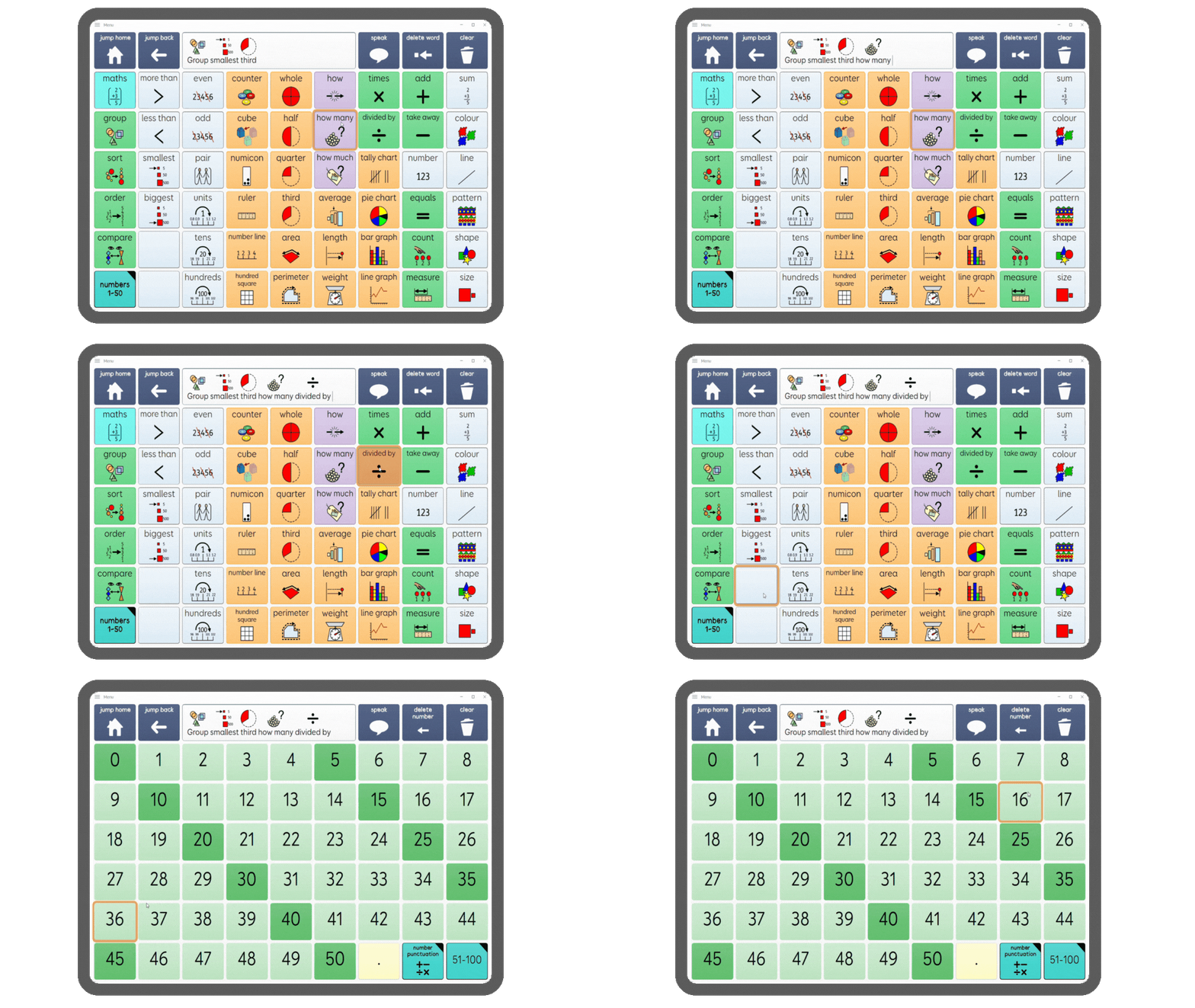
Extended maths and English grids – now including more advanced concepts in the school/education sections of Super Core.

New ‘silly words’ grid in the Child vocabulary – encouraging younger users to play around and have fun with language in the same way as their speaking peers. This is designed to be added to!

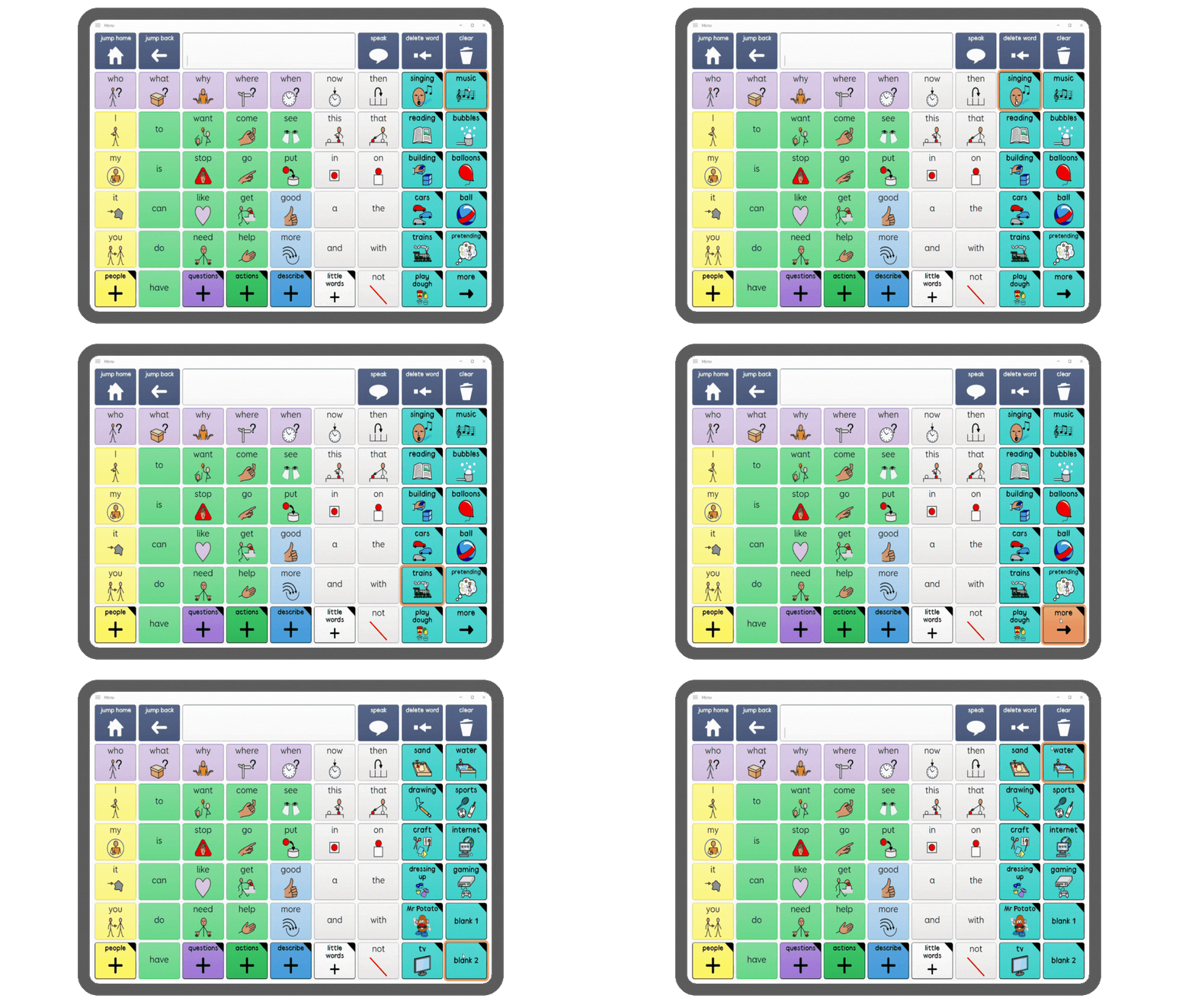
New activities for the Child vocabulary – now including more activities, such as sports, gaming and TV. The TV and Film topic is also now available in the Child vocabulary under Topics.
Updated play activity phrases – to make them more applicable for a wider range of activities.
Symbol improvements
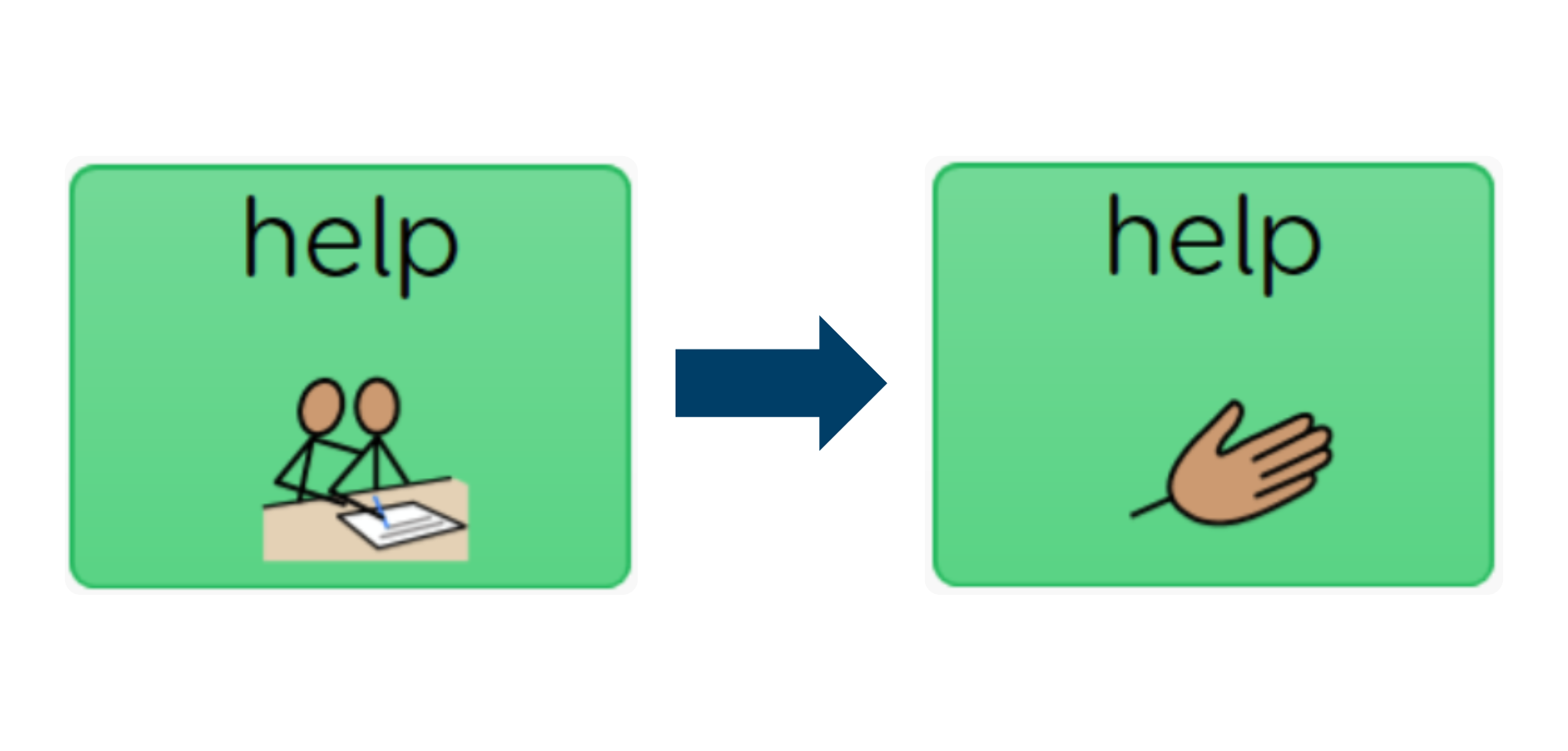
- Updated ‘help’ symbol – replacing the ‘help’ symbol with one that is more suitable for Super Core users of any age
Safeguarding improvements
Access to the right language is important for safety and self-advocacy.
- Ensuring all users have access to biological terms for genitals – age appropriate genital vocabulary is now accessible via Topics > Body > Genitals in both Child and Teen and Adult vocabularies, so that any user can refer to body parts correctly.
- Reviewed and reorganised sex and sexual health grids in the Teen and Adult vocabulary – ensuring consistent locations of vocabulary to support motor planning, as well as providing vocabulary for consent directly on the sex grid.
General improvements
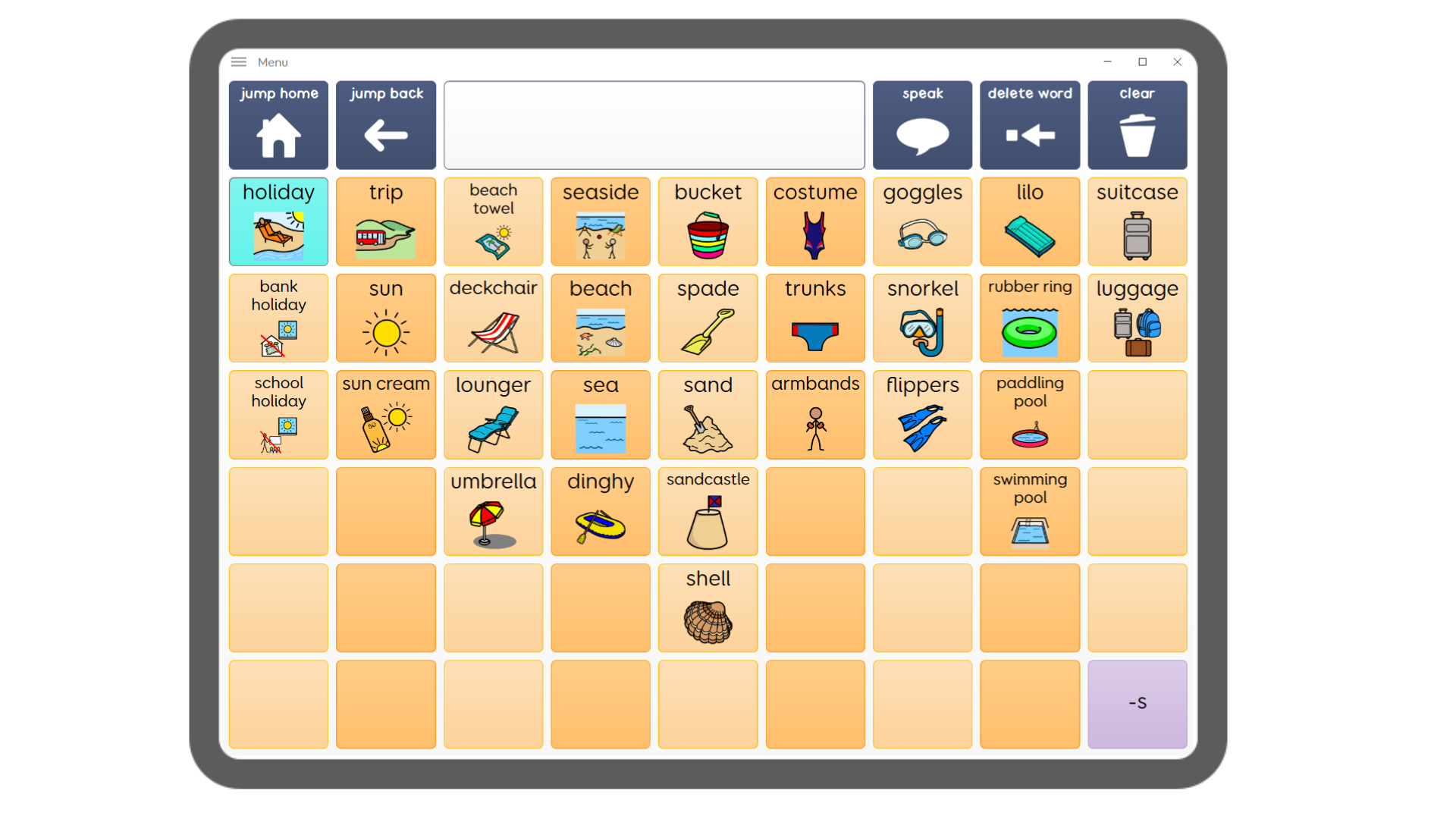
Easier personalisation – even easier to personalise, with blank write cells on all grids where you may want to add vocabulary. These have the appropriate styles preset so you can simply type your cell label and add a symbol without needing to worry about adding commands or styles.
- Fixed Find Word issue – users were previously directed to the Sounds grid instead of vocabulary for some words.
- Updates to ‘change vocabulary’ jump – to prevent users accidentally jumping between the Child and Teen/Adult vocabularies, the change vocabulary cell in Settings is now set to ‘not accessible’ on Magic Wand > Settings. To switch vocabularies you will now need to enter edit mode to follow the hidden jump. Instructions for how to do this are visible when in edit mode.
For a full list of changes to the Super Core grid sets, please see below.
Additional Language
- Added ‘silly words’ grid for children in Chat > Silly words
- Add My places jump to Child vocabulary in Places
- Added extended Maths and English vocabulary in School/Education > Maths/English > More, and additional numerical symbols in Numbers > More > Number Punctuation
- Added more Play activities to Child vocabulary, including: TV, Sports, Internet and Gaming in Play. Also added TV and Film in Topics
- Updated play phrases in Child vocabulary, in Play > (any activity) > Phrases
- Updated year cells to include 2025, 2025, 2026, 2027 in Time > More > Date
Improved layout and functionality
- Improved layout of topics index grid (both vocabularies), including making TV and Film available in Child vocab and moving Containers to Topics > Inside
- More consistent layout of Daily/Daily Life and Play/Leisure index grids (changes in both vocabularies).
- Dating activity grids moved from Daily > Leisure (Teen and Adult only)
- Going Places and Travel activity consolidated into one grid Daily > Going Places (Teen and Adult only)
- Trips activity removed from Leisure (Teen and Adult only)
- Better access to vocabulary for genitals (in Child and Teen/Adult), via Topics > Body > Genitals
- Improved layout of sex and sexual health grids, in Topics > Relationships > Sex and Topics > Health > Sexual Health (Teen and Adult vocabulary only).
- Blank write commands for easy editing
- Change vocabulary jump now set to ‘not accessible’ on Magic Wand > Settings. Instructions on how to change vocabulary shown as tips (via an additional grid in Super Core 30)
- Find word bug fixed by updating Topics > Sounds grid (Child vocabulary only)
Styling improvements and symbol updates
- Improved border styling for people cells
- Fixed Daily > Toilet activity styling in some versions
- New autism symbol > all symbol sets
- New help symbol > Widgit
- Some new genitals and sex symbols > Widgit
- Various consistency fixes across symbol sets