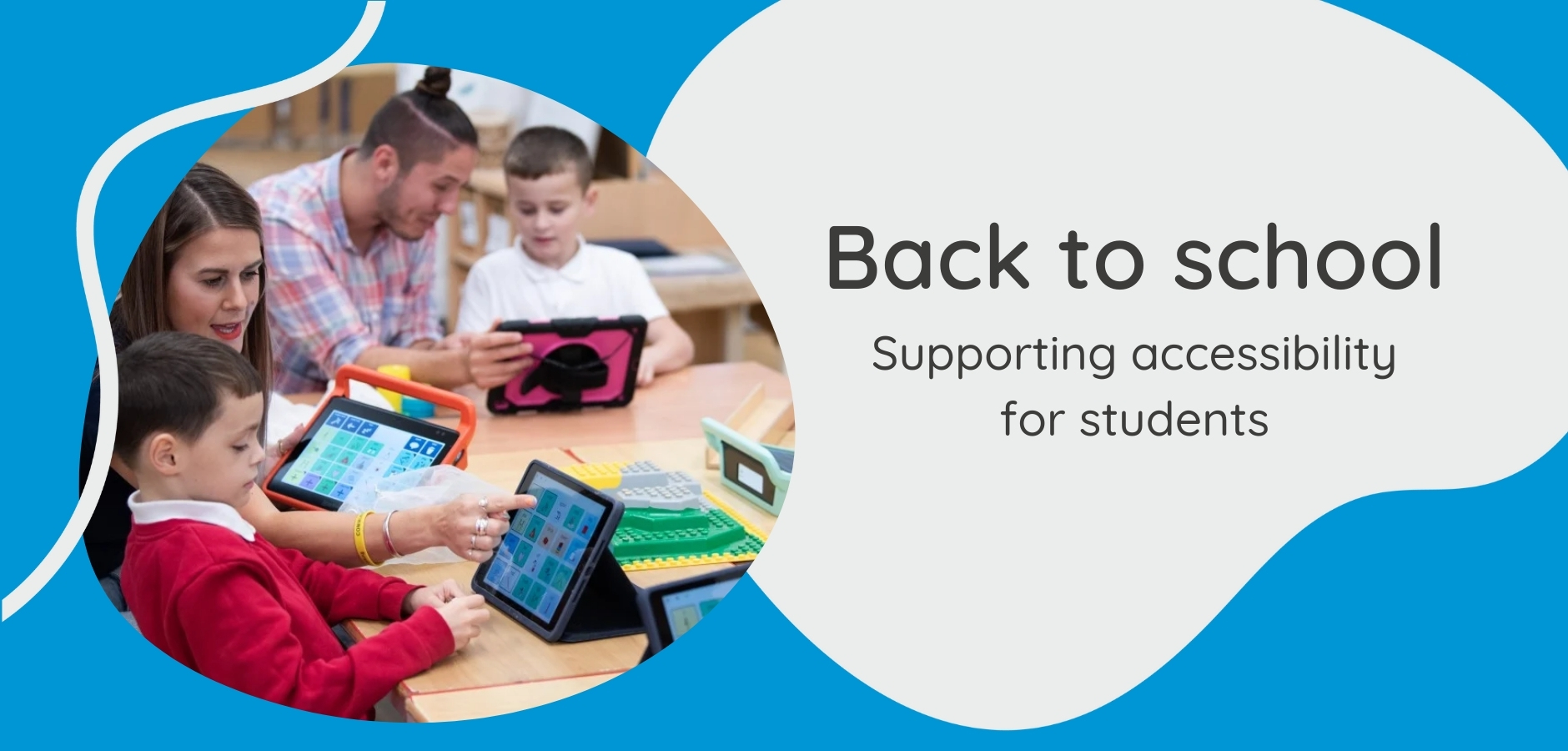
With the new school year around the corner, here are some tools, training and tips to support you in making communication and literacy accessible for students.
.png)
Simple AAC - Support that’s easy to share
Whether you’re introducing Augmentative and Alternative Communication (AAC) for the first time or reinforcing best practice, Smartbox's Simple AAC framework is a great way to get everyone on the same page.
The Simple AAC framework breaks down AAC support into nine easy to remember strategies that anyone can use.
Check out the free training course, downloadable workbook and printable poster to bring the framework to life in your school.
Supporting literacy with Grid - training courses
Learn how to support literacy at every stage of development, from early phonics and letter recognition to writing and reading for meaning.
Smartbox Academy | Supporting Literacy with Grid: Part 1
Smartbox Academy | Supporting Literacy with Grid: Part 2.png)
Super Core: See and Say for the whole classroom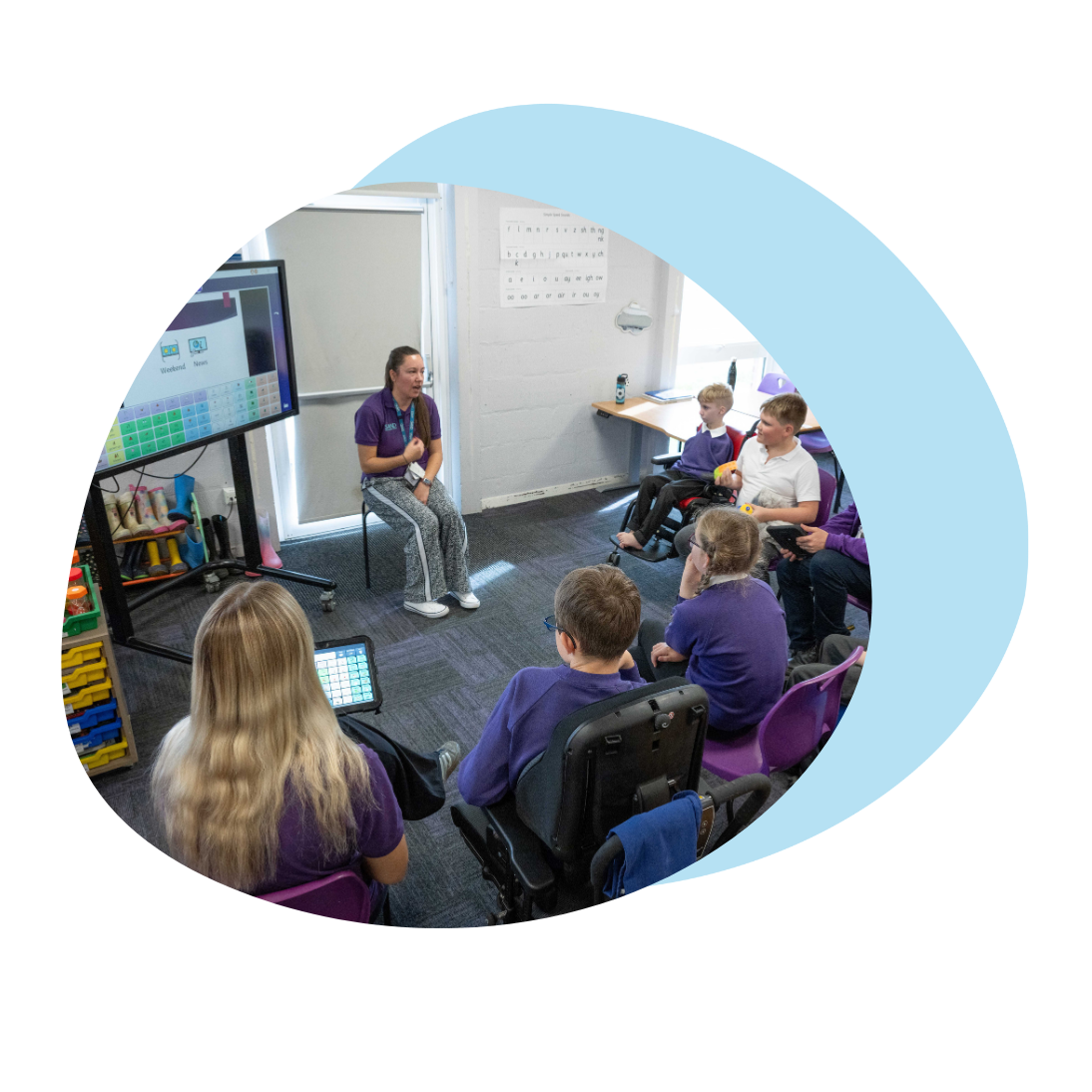
See and Say is a grid set within Grid which combines Super Core vocabulary with a built-in browser, perfect for whole-class learning. This is a grid set that’s free to download which can also be used on electronic whiteboards.
Display slides, videos, or prompts directly in the grid to spark interaction and discussion.
Students can use core vocabulary to ask questions, comment, and engage with lessons.
Includes customisable categories to match what you're teaching.
.png)
Try it out in Grid. In your Grid, go to: >Add grid sets>Education>Super Core: See and Say
Tips from Randee, Curriculum Content Specialist at Smartbox
Three ways to use 'Super Core: See and Say' in lessons
- Emotional check-ins - Use slideshows or visuals with fringe words like worried, tired, ready, and talk alongside core words like feel and good. Encourage participation with calming visuals and shared language.
- Morning routines - Create calm, predictable starts using songs or slideshows. Model words like go, look, want with fringe vocabulary like sunny, yesterday, and tomorrow. Supports language, routine, and early math skills.
- Example: A Math lesson on angles. Bring language into lessons on angles.
- Model with videos and slides: same, different, look, think + math terms like acute and right angle.
- Support students in explaining their thinking aloud.
.png)
Read with me: Accessible stories
Read with me: Accessible stories, a library of grid sets designed to help AAC users develop reading.png) comprehension and confidence through accessible books.
comprehension and confidence through accessible books.
The collection includes:
- 10 books including 5 familiar tales and 5 original school-themed stories
- Built-in comprehension activities
- A customisable template so you can create your own books
Want to personalise your own story?
Watch Smartbox's step by step video tutorial and start creating stories that reflect your learners.
Already using Grid?
To add all the Read with me grid sets, go to: Add grid sets > Education > Read with Me: Accessible stories
Super Core just got even better!
Super Core is now even more powerful in the classroom.
Recent updates included new vocabulary for math and English, fun additions like "Silly Words" and updated grids for talking about play and TV.
Use Super Core in the classroom for:
- Easier personalisation, clearer symbols and smoother navigation
- A design to support learning and communication across all ages
- “Silly Words” grid for playful language sessions throughout the week.
.gif)
Literacy support for primary and secondary school students with Crick Software
Help primary and secondary school learners overcome barriers to literacy and work more independently, with Crick Software’s Clicker and DocsPlus. For use on Windows, Mac, iPads and Chromebooks.
Clicker - for primary school students
About Clicker
Clicker is a word processor specifically designed for children, with built-in support for students with additional learning and access needs and includes thousands of ready-made curriculum resources created by teachers.
Who is it for?
Children with additional learning needs and challenges, including those with speech, language and communication needs, physical disabilities, autism, dyslexia, Down’s syndrome, learning difficulties, sensory conditions and more. .png)
DocsPlus- for secondary school students
A word processor for struggling readers and writers, DocsPlus supports students with organising ideas, planning, structuring and editing written work. The integrated ‘DocReader' also helps by reading PDFs aloud, providing equal access to worksheets, exam papers and more.
.png)
Support for Crick Software subscribers
Crick Software subscribers receive comprehensive support to help set up and use Clicker and DocsPlus with confidence. This includes a robust and flexible training package - through their LearningHub you can access a wealth of on-demand content and catch up with their web events.
Discounts are available for bulk software licence purchases – contact us to find out more.
Contact us for support with your learning and classroom needs: (03) 9696 2944 or [email protected]